- Rust 65.1%
- Slint 32.8%
- Shell 2.1%
| .cargo | ||
| images | ||
| scripts | ||
| src | ||
| ui | ||
| .gitignore | ||
| build.rs | ||
| Cargo.lock | ||
| Cargo.toml | ||
| config.toml | ||
| LICENSE | ||
| README.md | ||

Aliveline
About
Aliveline is a small app made with Rust + Slint to track daily activity on a timeline.
All activity is saved into TOML logs, which are human readable/editable.
App can operate in Record and Review modes.
Record mode allows you to update timeline by starting, stopping and chaining events:

By clicking on the timeline in Record mode you can hide controls to make app smaller and place it somewhere in the background:
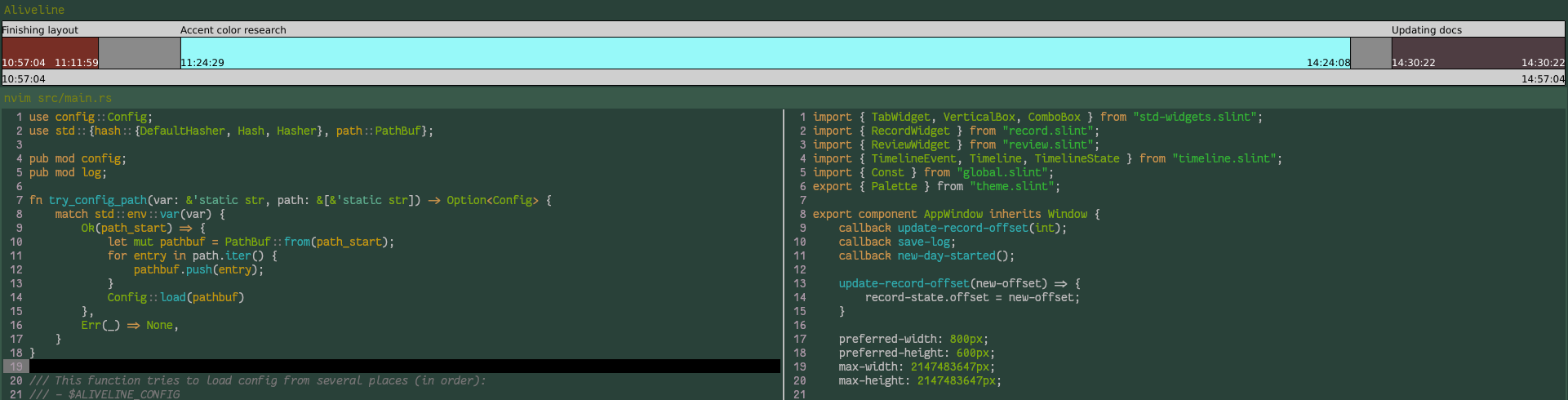
Review mode may be used to show some activity, tracked on another day:

Aliveline currently supports Linux only, but Windows executable seems to work.
You can also compile Aliveline yourself (see building section).
Features
Events
Events are main timeline building blocks. They have name, start and end.
Example of event in TOML format shown below:
[[events]]
name = "test"
start = 12:05:45
end = 13:00:11
finished = true
Note: if event is not finished yet, it may have end = start.
Building
Requirements
- Rust toolchain
- Slint dependencies (see Platforms and Backends & Renderers)
Feature flags
By default Aliveline compiles with theme autodetection, provided by Slint, which sometimes does not work on Linux.
You can use these flags to compile Aliveline with selected theme:
lightdark
Instructions
Run cargo build --release
Pass features in build command with -F foo or --feature foo
Resulting binary will be located at target/release/aliveline[.exe]
If compilation fails, double check that you have all required dependencies. If it still fails, file an issue on Codeberg, including logs and system info.
Usage
Just run aliveline by any preferred way, for example:
$ ./aliveline
or via file explorer.
Configuration
Aliveline tries to find config at:
$ALIVELINE_CONFIG$XDG_CONFIG_HOME/aliveline/config.toml$XDG_CONFIG_HOME/.aliveline$HOME/.config/aliveline/config.toml$HOME/.config/.aliveline$HOME/.aliveline/config.toml$HOME/.aliveline./config.toml(relative to working directory)
If config isn't found, Aliveline uses default values defined in config.toml.
Keep in mind that default paths are relative, and in this case logs will be written to and read from current working directory.
Contribution
You can contribute to Aliveline by creating an issue/PR on Codeberg mirror